
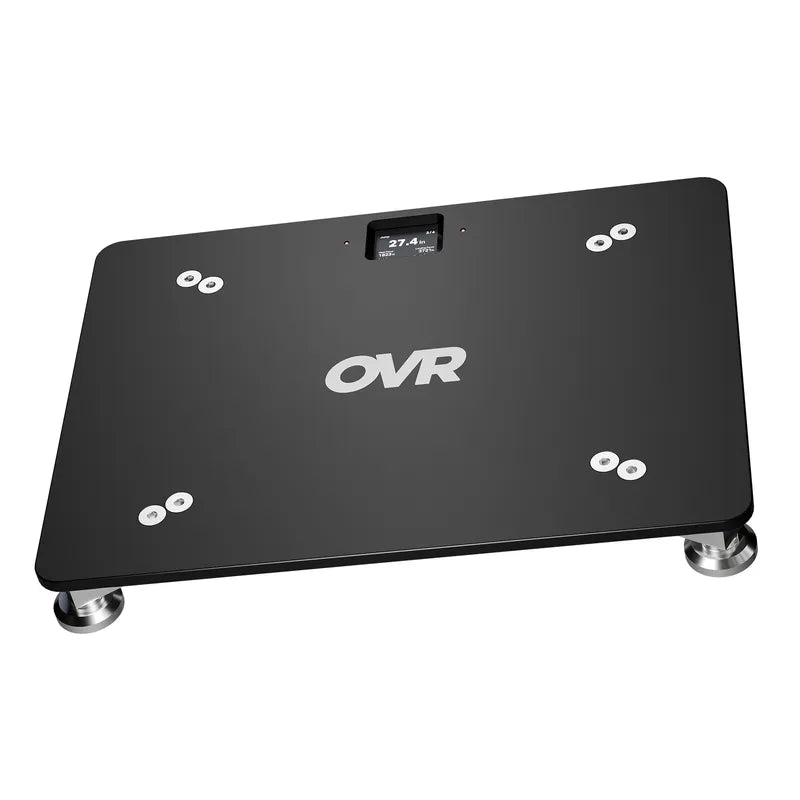
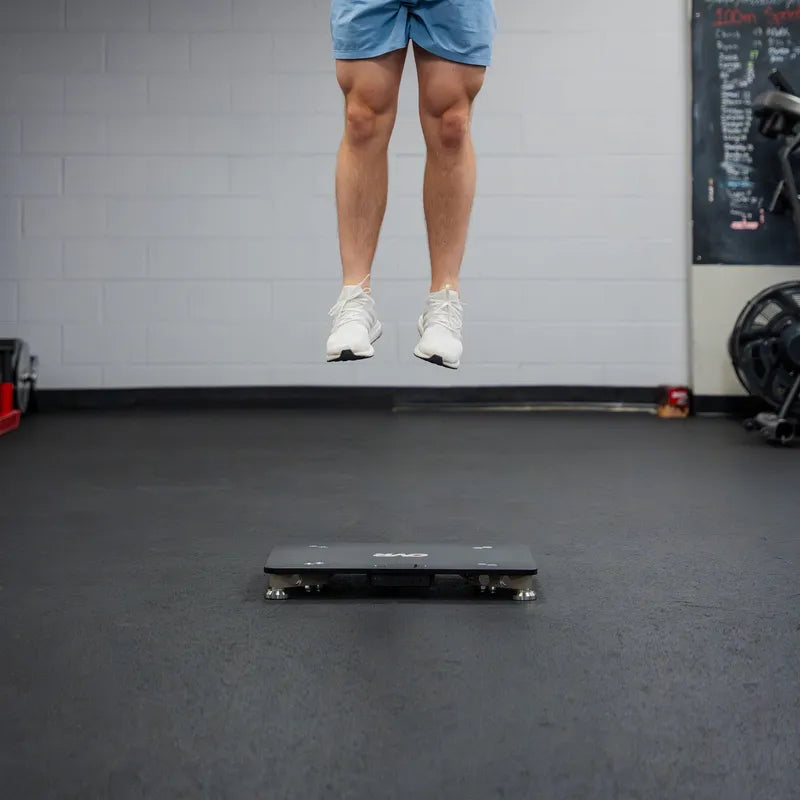


We rebuilt the OVR Connect app from the ground up, and it's live right now on iOS and Android. The app that started as a way to track your own training is now a full coach and athlete management platform: one account, your whole roster, team sessions, leaderboards, and per-athlete history. It is still completely free, with no subscription. The features other platforms bill for every month, usually per athlete, all for free. Download it now on the App Store and Google Play.
If you train athletes as a coach, private facility, or even as a parent, this is for you.
Manage your whole roster
You can now run an entire program of athletes from one coach account. Link to existing accounts, or create athletes directly from your profile. This means email signups are not required for individual athletes in order to organize their data.
Getting your roster in is fast. If you're setting up a full team, skip the manual setup and bulk import your roster from a spreadsheet. There is no limit on roster size.
Once your roster is in, organize it. Group athletes by team, age, position, or any cohort you want, then filter, run sessions, and rank by group. Every athlete gets a full profile: height, weight, age, sport, complete training history, and personal records. The exercises you use as a coach surface for your athletes in a dedicated Coach tab, so the movements you program are the movements they see, not a default library.
For coaches buying for a squad, the OVR Coach Pack pairs the hardware with all of this with no software cost.
Run the whole team without slowing down
A roster is only useful if you can run it during a live session. The app is built for speed and efficiency in the weightroom.
Select multiple athletes before you start an exercise, then switch between them live, mid-session, without stopping or losing a rep. Each athlete gets their own rest timer, so you can track recovery for several people at once while the group keeps moving.
The leaderboard does what coaches already know works, it lets athletes compete. Rank by exercise, metric, group, and time range, with the top three highlighted. Put it on a screen and the competition comes alive. Athletes chase each other, and train harder for it.
Weight Room Mode turns a shared iPad into a station. It's a locked-down kiosk: athletes log their own sets and the data lands in each athlete's own history, but they can't reach your account, your settings, or anyone else's data without the password. Set it up on a rack, walk away, and let the team work.
Still built for the individual athlete
The app got bigger without getting heavier for the solo athlete. If you train on your own, everything that worked in OVR Connect is still here, and it's sharper.
On OVR Velocity, a big live dial shows your bar speed in real time, rep by rep. Tap to flip between average and peak. Set a target weight, velocity targets, and velocity-loss thresholds, and the app tracks fatigue in real time so you know when to stop. It also gives you an estimated 1RM from your best velocities, which means you can see your max without maxing out.
On OVR Jump, you get three modes: vertical jump height, reactive strength index, and ground contact time. Large metrics and a bar chart keep your numbers in front of you, and Quick View lets you run warmups, demos, or a guest without saving anything.
OVR Sprint times on the field to the thousandth of a second, with standing or flying starts. Run single sprints or set multiple points for splits. The standout is distance-aware splits. Every split is tagged with its real distance, so you can pull any 10-yard segment out of a 40 and compare it to the same segment from another sprint, on another day. You search your history by distance, not just by workout.
Across all three, parametric exercises keep your library clean. One exercise can carry a per-set parameter like dumbbell load on a loaded jump, box height, or hurdle height, so you log the variation without making a brand new exercise every time. Your full history, trend charts over weeks and months, and personal records sit behind all of it.
Record it, prove it, share it
A sprint clip with the time stamped on it is recruiting tape. Record a lift, jump, or sprint with the live metrics burned right onto the clip. Save it to your camera roll or send it straight out.
You can also turn any set, or your full exercise history, into a clean, social-ready image, sized for stories and feeds. Pick the metrics you want before you share.
When you need the raw data, export it. Pull your own history, or as a coach, export an entire team into a single workbook. Velocity, Jump, and Sprint all land in one consolidated file, so the whole program's numbers are in one place.
Free, yours, and it works without your phone
The app is free. No subscription and no per-athlete fee. Comparable platforms charge monthly, and the bill usually scales with how many athletes you add. We give it away for free when you already own the device.
Every OVR device has its own on-screen display and works on its own. The app is the upgrade, not a requirement. Leave your phone in the bag and your Velocity, Jump, or Sprint still gives you your numbers. Pick the app back up and you get the roster, the history, the video, and everything above.
Pairing is quick over Bluetooth: scan and connect in seconds, no cables and no hub. You can run one of each device type at the same time, a Velocity, a Jump, and a Sprint together, and rename them so "Rack 1" and "Rack 2" are easy to tell apart. Opt in to auto-connect and a device reconnects on its own next session.
Get the new OVR Connect app
Tens of thousands of athletes and coaches already train with OVR. Now all of it, the full coaching platform, is in your hands for nothing.
Download OVR Connect now on the App Store and Google Play, sign in or create an account, and pair your device. If you coach, import your roster and run your next session from one place. The wait is over...


